> ## Documentation Index
> Fetch the complete documentation index at: https://docs.autosend.com/llms.txt
> Use this file to discover all available pages before exploring further.
# Contact Properties
> Store additional contact information and personalize your emails with contact properties.
Contact properties were previously called **custom fields**. The name has changed, but everything works the same way. The legacy `/custom-fields` API endpoints continue to work as an alias.
## What are Contact Properties in AutoSend?
Contact properties allow you to store additional information about your contacts (eg. company name, signup source, plan type, etc). These properties can be used to personalize emails or segment contacts.
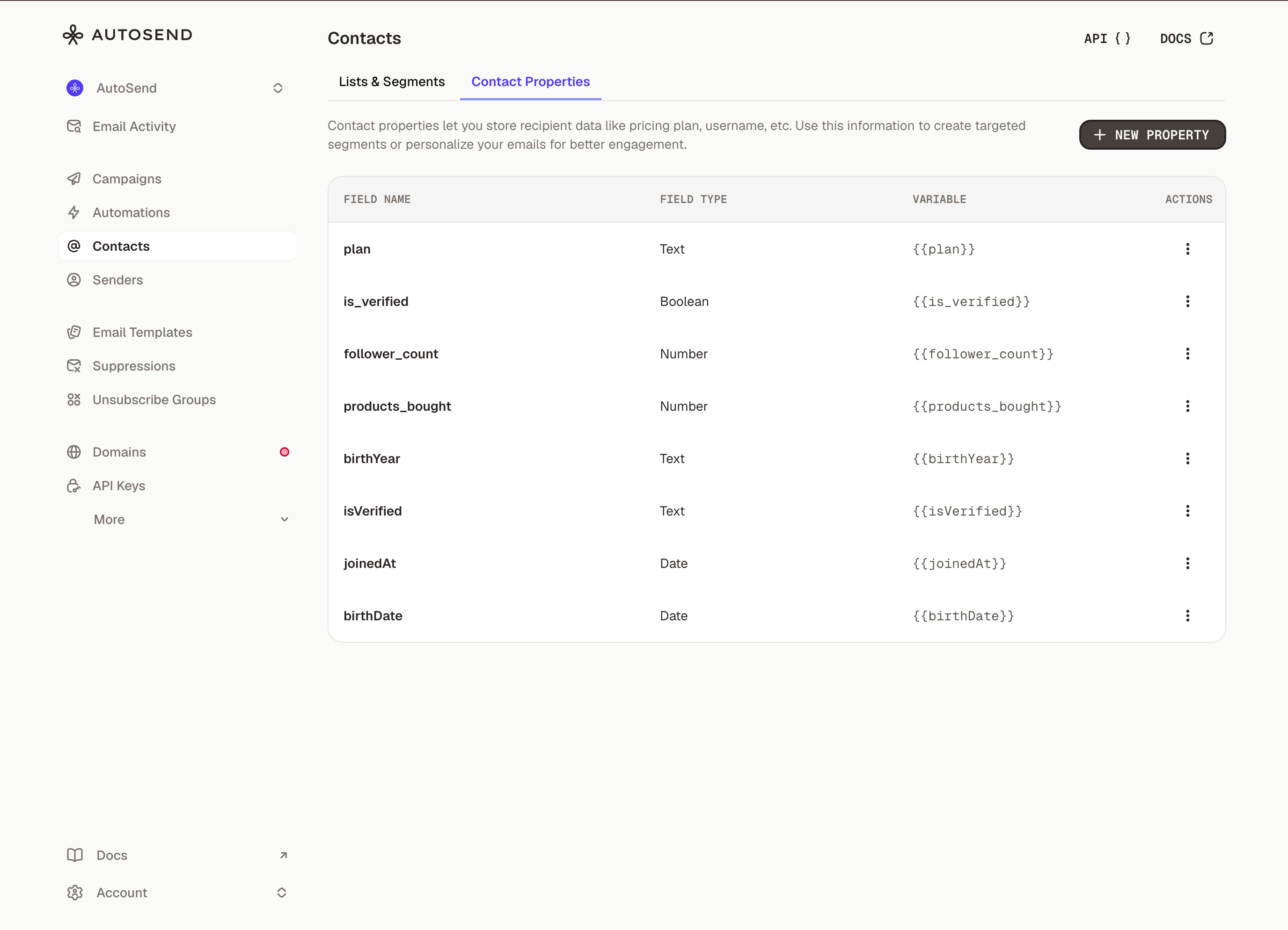 **You can use these properties in your campaign using variables like:**
```
Hey {{firstName}},
```
## How to Create Contact Properties in AutoSend
1. From the Marketing Emails section, click on the **Contacts**
2. Go to **Contact Properties** **tab**.
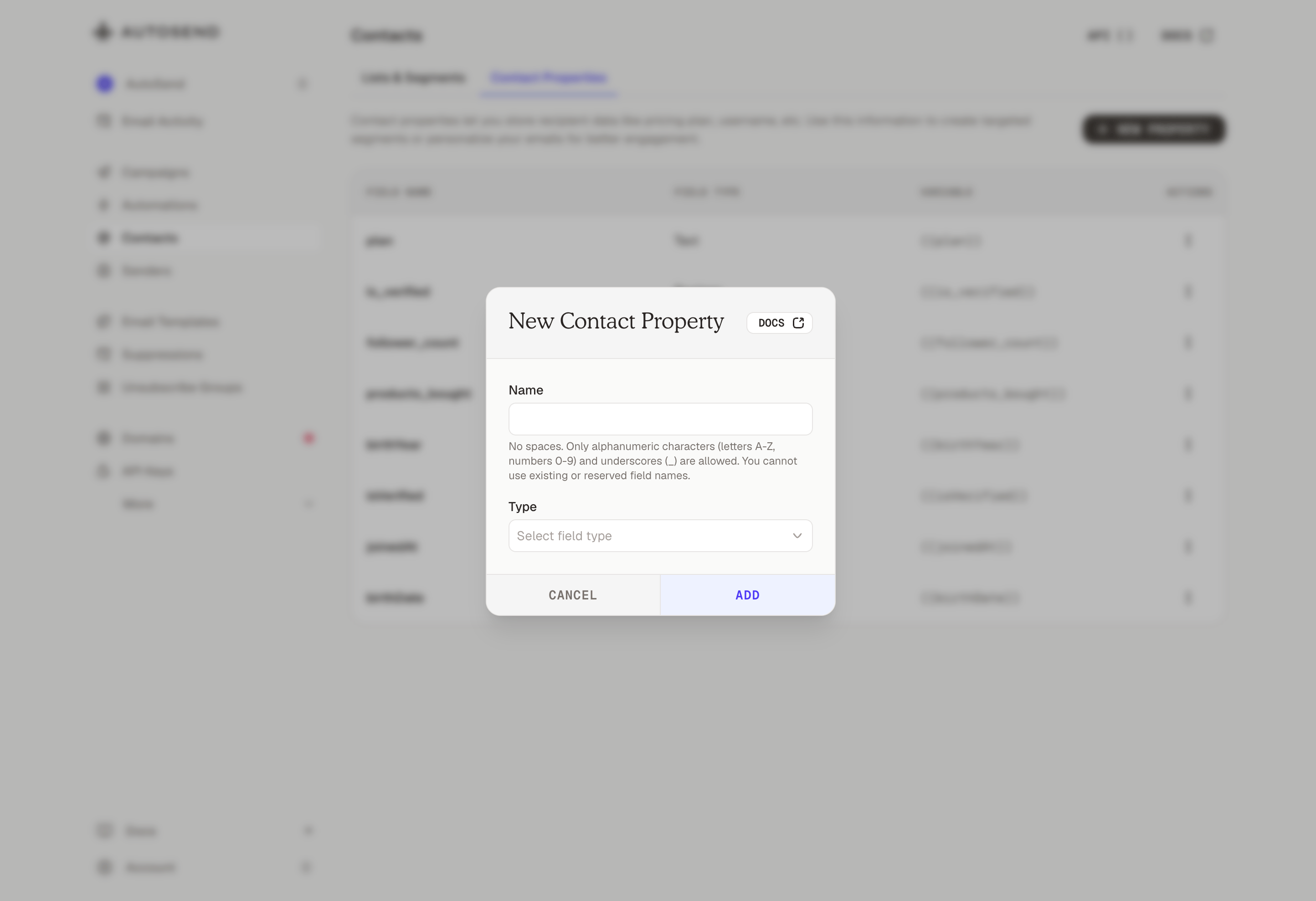
3. Click **New Property**.
4. Choose the property type (text, number, boolean or date) and name it.
5. Click **Add.** The property will now be available for all contacts.
**You can use these properties in your campaign using variables like:**
```
Hey {{firstName}},
```
## How to Create Contact Properties in AutoSend
1. From the Marketing Emails section, click on the **Contacts**
2. Go to **Contact Properties** **tab**.
3. Click **New Property**.
4. Choose the property type (text, number, boolean or date) and name it.
5. Click **Add.** The property will now be available for all contacts.