What’s Compose?
A free email template builder that lives at autosend.com/compose. You write in markdown (yes, the same markdown you already know), and it spits out clean, responsive HTML that actually works in email clients.No signup. No credit card. No “free tier with limitations.” Just open it and start building.
Why we built this
Every developer has that moment: you need to send a simple welcome email, and suddenly you’re three hours deep in a Stack Overflow thread about Outlook’s rendering engine from 2007. Or you’re handed a “quick template update” that turns into a full afternoon of testing across Gmail, Yahoo, and Apple Mail. Compose skips all that. Write your content, style it visually, export the HTML, done.What you get
- Markdown support - Write emails the same way you write docs, READMEs, or Notion pages. Headers, bold, links, images. If you’ve written markdown before, you already know how to use Compose.
- Visual blocks when you need them - Not everything fits neatly into markdown. Buttons, columns, spacers, dividers. Drag them in, style them, move on.
-
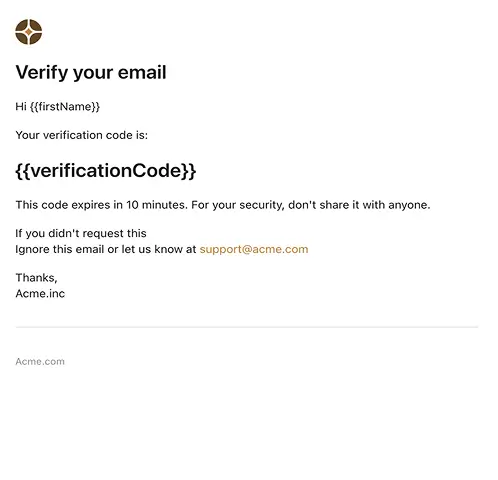
Variables for personalization - Drop in
{{first_name}}or{{company_name}}and your email is ready for dynamic content. Works perfectly with AutoSend’s API or any other provider. - Responsive by default - Your emails automatically adapt to desktop, tablet, and mobile. No media queries to write. No breakpoints to test. It just works.
- Clean HTML export - The code you export is production-ready. No inline styles soup. No unnecessary divs. Just clean HTML you can actually read if you need to.
- Works everywhere - Gmail, Outlook (yes, even the desktop version), Yahoo, Apple Mail. We’ve done the cross-client testing so you don’t have to open six email accounts.
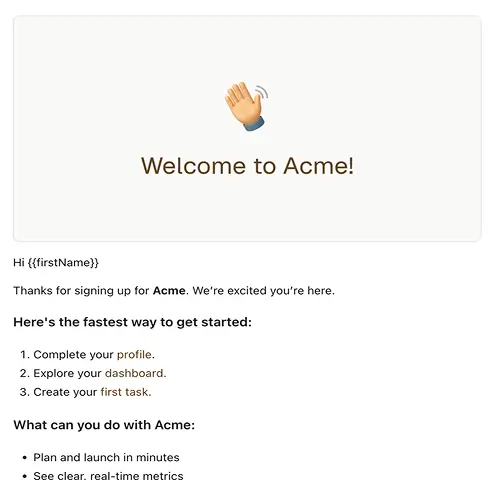
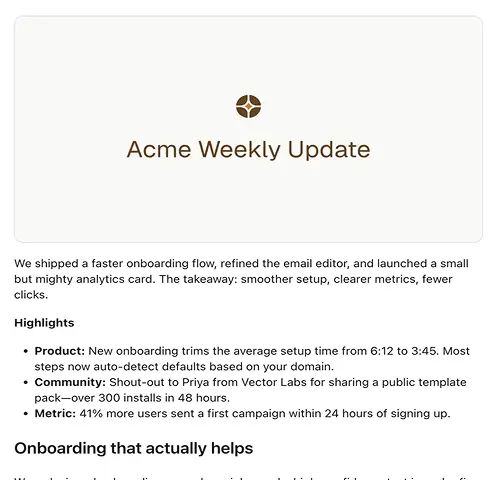
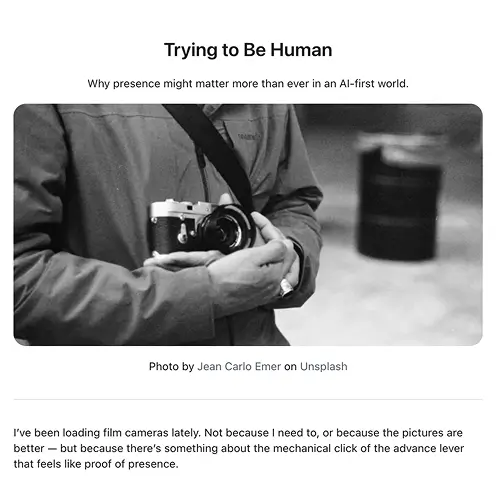
- Start with templates - Don’t want to start from scratch? We’ve got you covered: