

What’s new
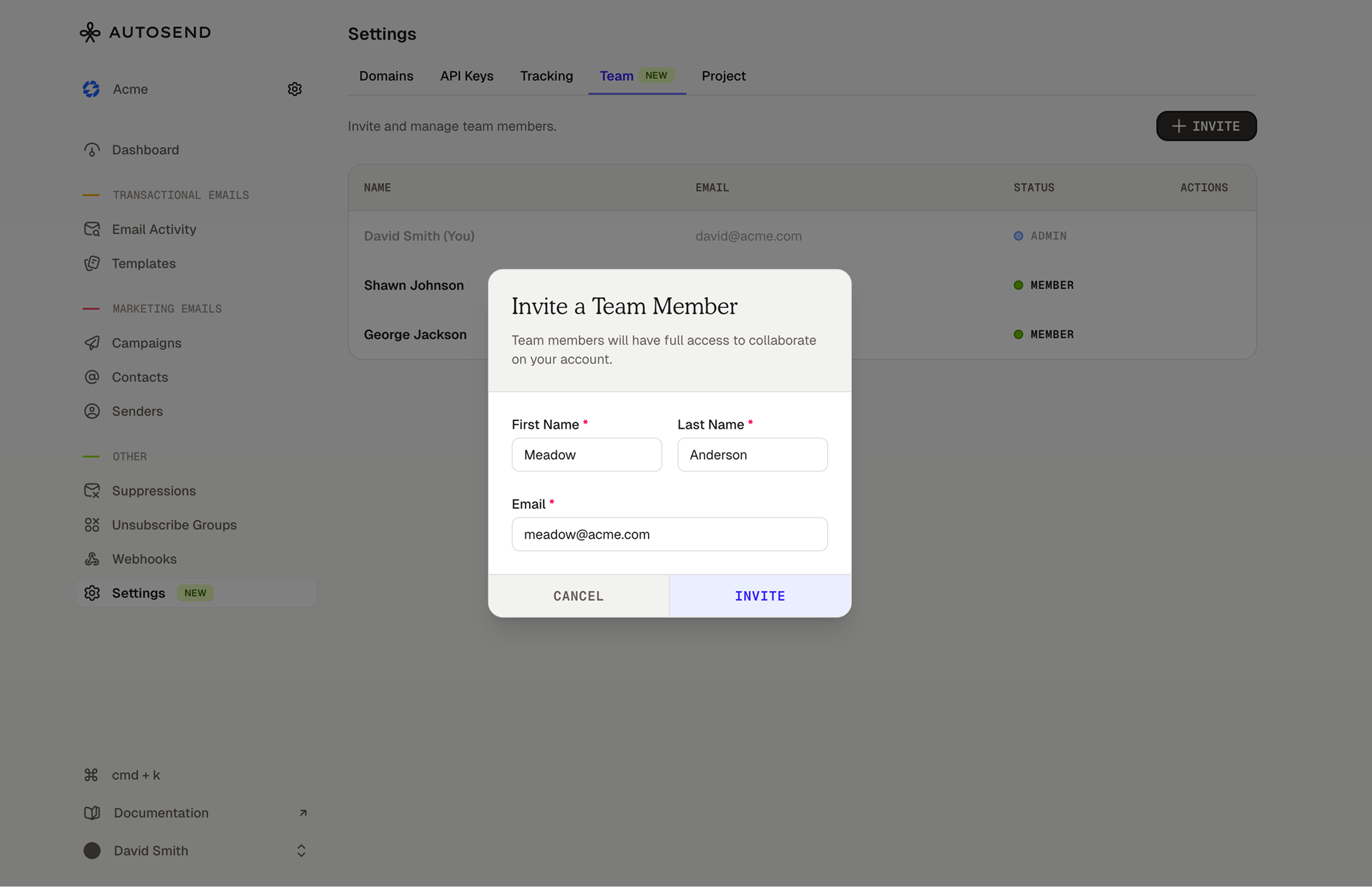
- Invite your team Head to Settings → Team to find your new dashboard. Add as many people as you need.
- Same access for everyone No permission levels to configure. Everyone you invite can do everything you can. Simple.
- The invite flow You send an invite, they get an email with a secure link, they click it, they’re in. You get notified when they join.
- The details Invites are valid for 7 days. You can resend or cancel them anytime. Team members need to join with the same email you invited.
As always, let us know if you run into issues or have feedback at . We’re listening (and probably already working on the next thing you didn’t know you needed).