

Email Builder
Global text color preference
You can now set a default text color for your entire email in the email builder. Instead of changing the color for every text element individually, set it once and all your text inherits that color. Update individual elements when you need to, but the global default saves you time. Perfect for maintaining brand consistency without the tedious copy-paste.Plain text support
The email builder now properly handles plain text versions of your emails. Whether you’re building campaigns, automations, or dynamic templates, plain text is automatically generated and included when you send. This matters for deliverability and for recipients whose email clients prefer plain text. It just works.Better state management
The email builder now handles element states more reliably. Selecting buttons, dividers, images, and text blocks is smoother, with clearer visual feedback about what you’re editing. We added a new text block selection system that makes it easier to work with multiple elements and switch between them without losing your place.Improved side panel controls
The side panel now maintains state better when you’re editing elements. Border radius, padding, links, and other properties stay visible and editable as you switch between elements. Less clicking around to find the setting you need.Better test email experience
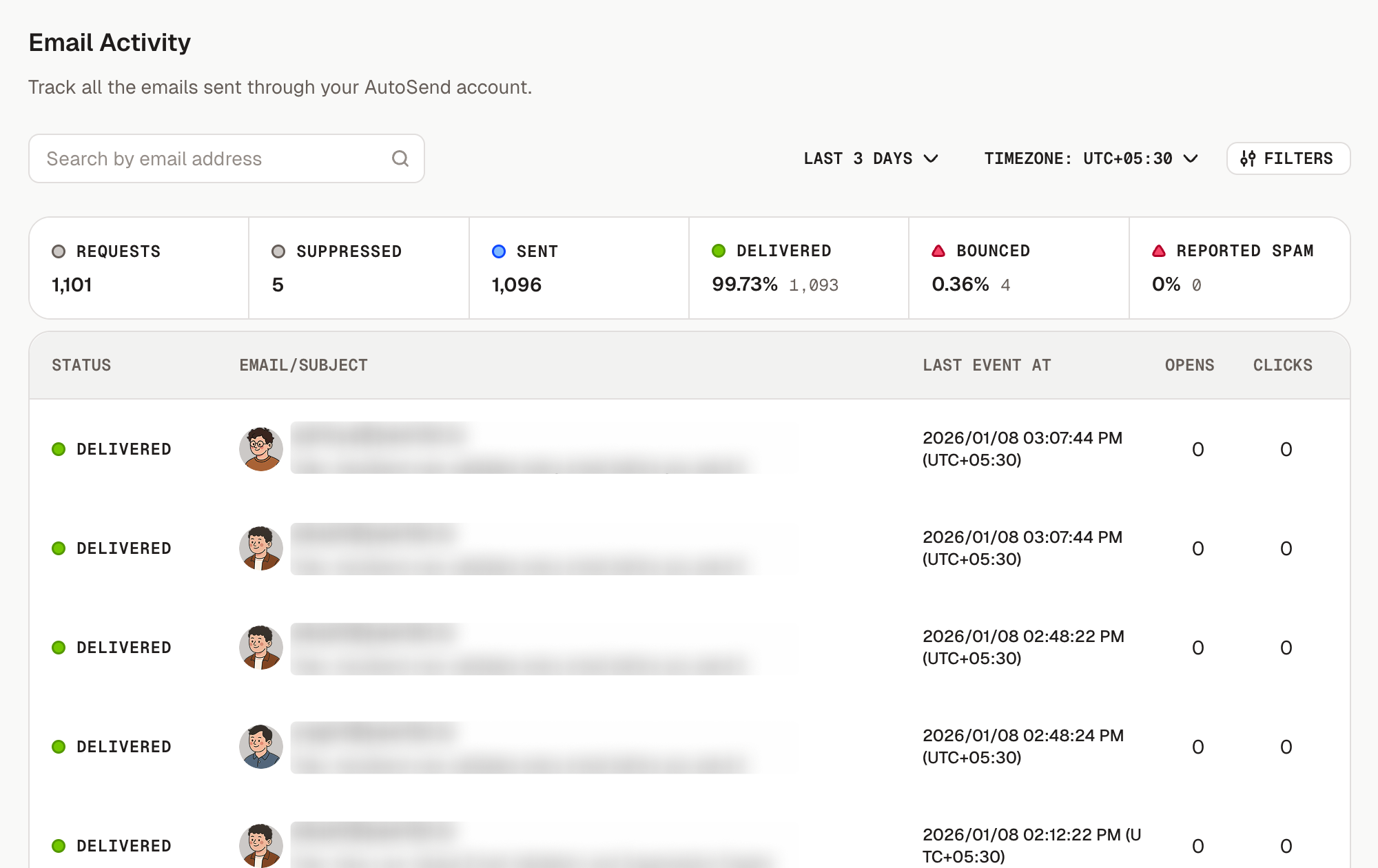
Sending test emails is now smoother and more intuitive. You can now enter test values for your email variables directly in the test email modal. The interface is cleaner, handles edge cases better, and gives you clearer feedback when something goes wrong. You can test campaigns and automation emails before they go out, making sure everything looks right.Email Activity Analytics
Email Templates
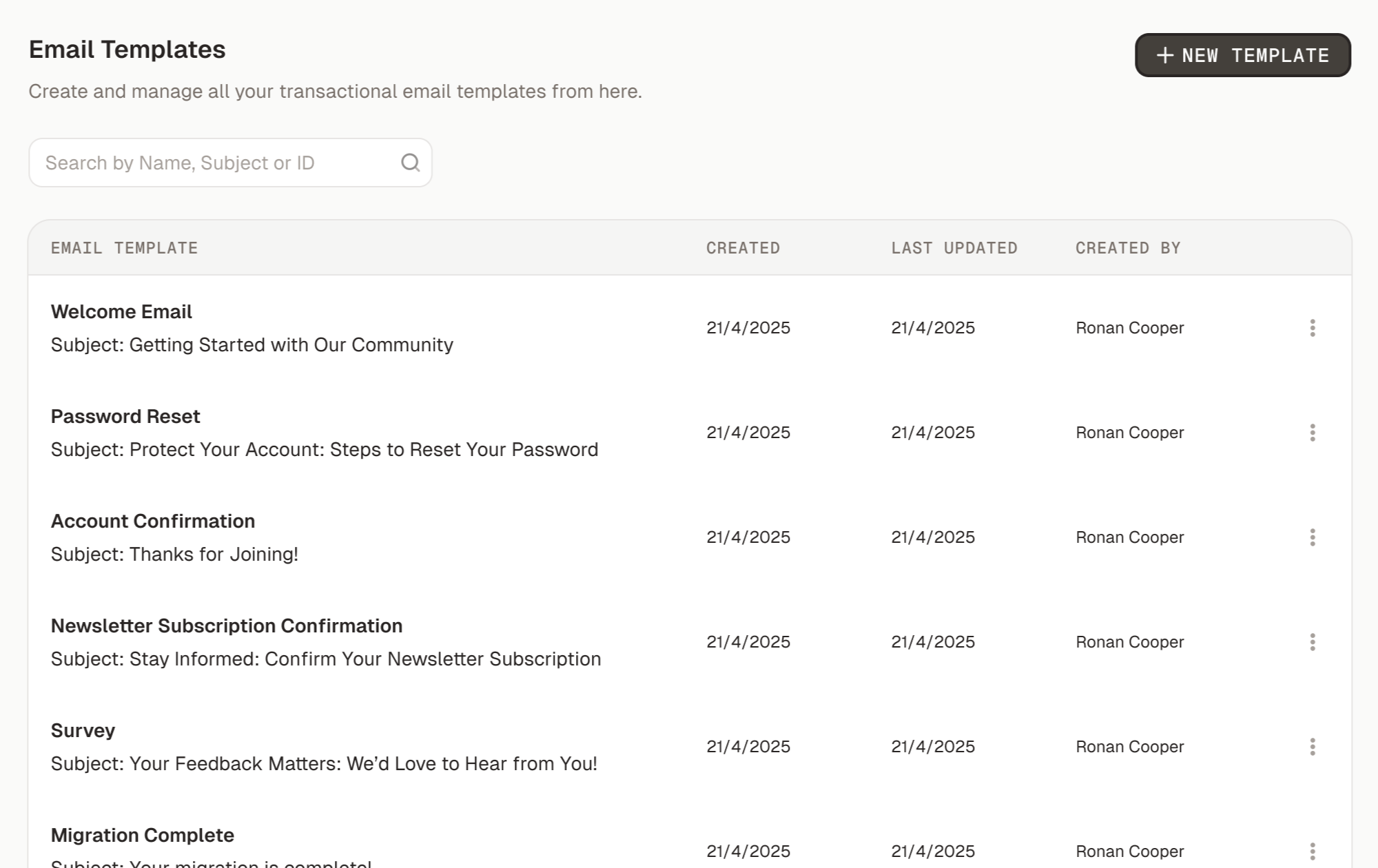
Table view and search
Webhooks
BatchId and test email tracking
Webhook events now include abatchId and a test field. If you’re sending bulk emails or campaigns, you can now group webhook events by batch to track which emails belong together. The test field is a boolean that indicates if the email was sent as a test email. Useful for debugging campaign issues or building analytics around bulk sends.
Optimized webhook payloads
We reduced the size of webhook payloads by stripping out unnecessary data. You get what you need without the bloat. Faster processing on your end, less bandwidth used, and cleaner logs. We also removed sensitive SMTP response data from payloads for better security.Bug Fixes
We fixed several issues that were causing friction:- Email activity modal viewport - The email activity detail modal now displays correctly on all screen sizes without layout issues.
- Unsubscribe group undefined - Fixed a bug where unsubscribe group IDs were coming through as
undefined, breaking unsubscribe flows. - Image link focus behavior - Adding links to images in the email builder no longer causes unexpected focus jumps or selection issues.
- Domain validation errors - Fixed domain validation errors and email validation checks to prevent false positives.
- Button sizing in modals - Image upload modal buttons now have consistent sizing across different states.
- Documentation links - Fixed broken links across marketing pages and documentation.
- Template ID missing in HTML editor - Fixed a bug where template IDs weren’t showing up in the HTML editor, making it hard to reference templates programmatically.
- Workflow automation triggers - Fixed edge cases where workflow automations weren’t triggering correctly when contacts were added to lists or updated.
- Automation button states - Fixed button state management in automations that was causing confusion about which actions were available.
- Automation settings and actions - Resolved bugs in sequence settings and action handling that were preventing some automation workflows from running correctly.