Contact properties were previously called custom fields. The name has changed, but everything works the same way. The legacy
/custom-fields API endpoints continue to work as an alias.What are Contact Properties in AutoSend?
Contact properties allow you to store additional information about your contacts (eg. company name, signup source, plan type, etc). These properties can be used to personalize emails or segment contacts.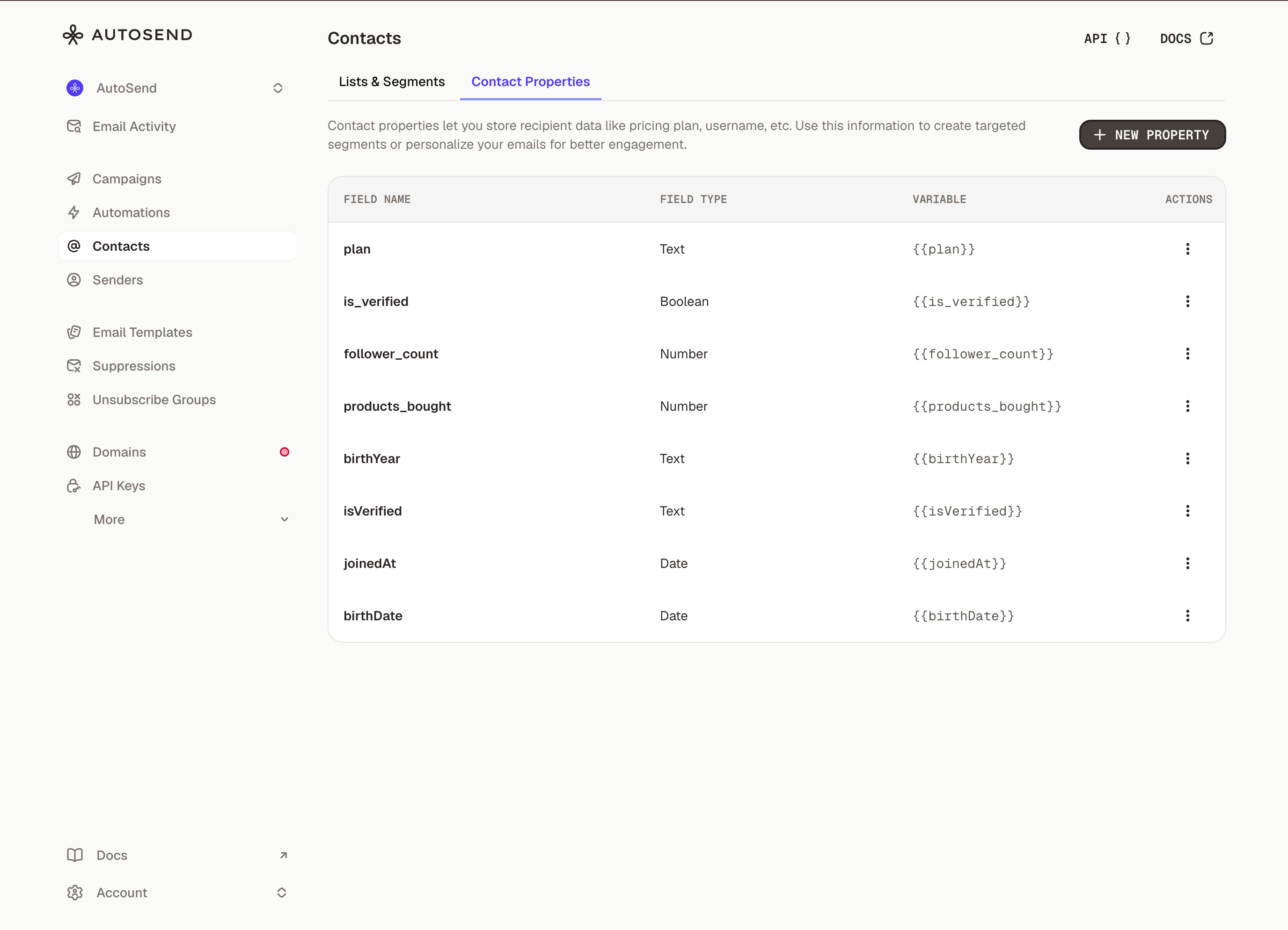
How to Create Contact Properties in AutoSend
- From the Marketing Emails section, click on the Contacts
- Go to Contact Properties tab.
- Click New Property.
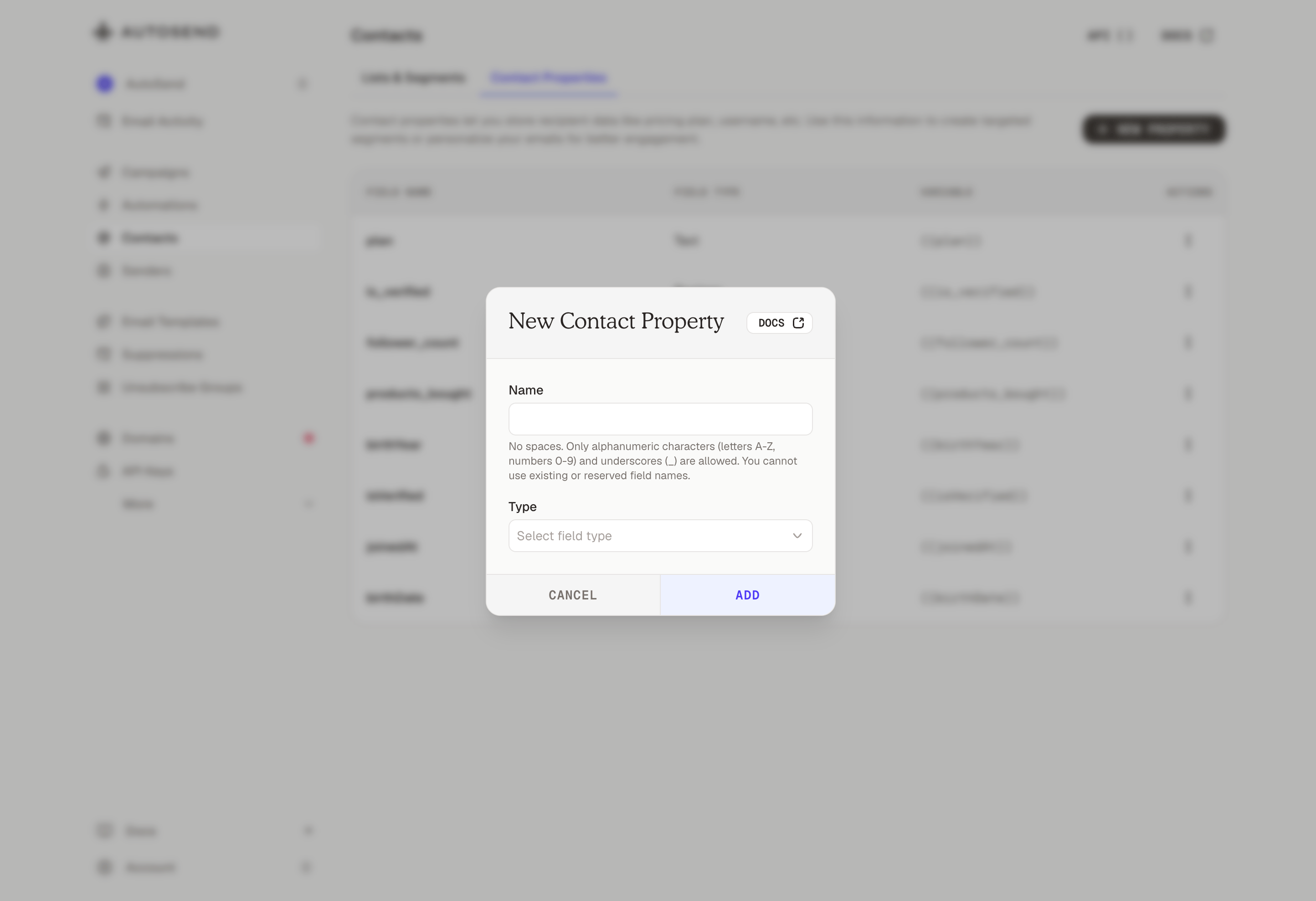
- Choose the property type (text, number, boolean or date) and name it.
- Click Add. The property will now be available for all contacts.